

Using your alarm
For anyone who already has a Sigma system: arming, disarming, keypad indications and what to do if something goes wrong. Choose your control panel.
S PRO: arming and disarming
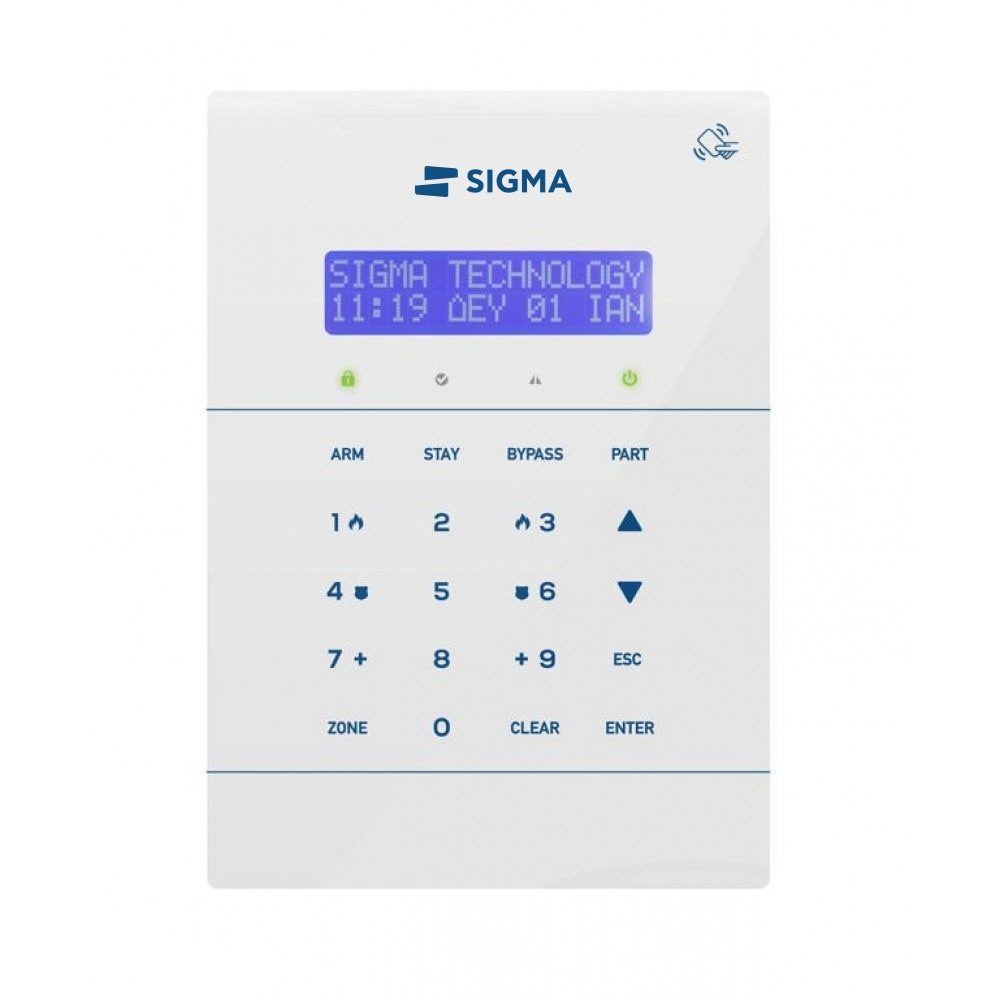
For TRITON, PROTEUS, ORPHEUS keypads. The keys look like this: ENTER.
Before you arm
Close doors and windows. When everything is closed, the display shows “ALL ZONES ARE CLOSED”. If something is still open, press ZONE to see which zone it is. You can arm when READY is green or orange.
Going out: full arming
ARM and ENTER, or your code and ENTER. With a card or tag: hold it near the keypad and take it away when the display shows “ARMING”.
Staying in: perimeter arming
STAY and ENTER. Doors and windows are armed, while you move freely inside. With a card this works only if the technician has enabled the AUTO STAY function.
Disarming
Your code and ENTER. With a card or tag: hold it near the keypad and take it away when the display shows “DISARM”.
Arming with some zones bypassed
If you want to leave a window open, for example: your code, BYPASS, the zone numbers in two digits (e.g. 01 12) and ENTER for full arming, or STAY and ENTER for perimeter arming.
What happened while I was away
If after disarming the display shows "ATTENTION! PRESS ENTER FOR EVENTS", press ENTER and use the arrows to see the events with time and date. ESC to go back.
What the LEDs mean
| ARM | Green | The system is disarmed. |
|---|---|---|
| Red | The system is fully armed (Away). | |
| Orange | The system is perimeter armed with no entry delay (Stay - Instant). | |
| Flashing orange | The system is perimeter armed with entry delay (Stay - Delay). | |
| READY | Green | All zones are closed and the system is ready to arm. |
| Red | One or more zones are open and the system cannot arm. | |
| Orange | The system can arm, but there are open zones that will become active once they close. | |
| POWER | Green | The system is running normally on mains power (220V AC) and the battery is in good condition. |
| Red | Mains power failure. | |
| Orange | Problem with the unit's battery, or mains power failure together with a battery problem. | |
| TROUBLE | Red | Lights up when there is a problem with the unit, such as an alarm, mains failure, low battery voltage, blown fuses, etc. |
AEOLUS: arming and disarming
For AEOLUS KP keypads. The keys look like this: ENTER.
Before you arm
Close doors and windows. You can arm when the green READY light is on. If TROUBLE is lit, there is a problem (e.g. a power cut) that is best fixed before arming.
Going out: full arming
Your code and ENTER, or the one-digit quick-arm code and ENTER. With a card or tag: hold it near the keypad. With a remote control: hold the arm button for two seconds. The buzzer sounds for the exit delay and speeds up in the last ten seconds.
I was late leaving
No need to disarm. Press BYP/CLR and the exit delay starts again from the beginning.
Staying in: perimeter arming
HOME and ENTER, or the part-arm button on the remote control. Doors and windows are armed, indoor zones stay off, and the display shows “PERIMETER ARMING”.
Disarming
When you come in through the front door, the buzzer sounds and the entry delay starts. Disarm with your code and ENTER, with a card or tag, or with the disarm button on your remote control.
What the LEDs mean
| ARM | Green | The system is disarmed. |
|---|---|---|
| Not lit | The system is armed (full or perimeter arming). | |
| Flashing green | The system is perimeter armed with entry delay (Home - Delay). | |
| READY | Green | All zones are closed and the system is ready to arm. |
| Not lit | One or more zones are open and the system is not ready to arm. | |
| POWER | Orange | The system is running normally on mains power (220V AC) and the battery is in good condition. |
| Not lit | Mains power failure. | |
| Flashing orange | Mains power failure or a problem with the unit's battery. | |
| TROUBLE | Red | Lights up when there is a problem with the unit, such as an alarm, mains failure, low battery voltage, blown fuses, etc. |
| BYPASS | Flashing red | Flashes when one or more zones of the system have been bypassed. |
Good to know
Went off by mistake
Disarm with your code and ENTER: the siren stops. If your alarm is connected to an Alarm Receiving Centre, expect a call to confirm and give the password you agreed. If it goes off again from the same zone, call your installer.
Emergency keys
The keypad has keys that send a panic, fire or medical emergency signal to the Alarm Receiving Centre. Ask your installer which ones are active on your system.
Power cut
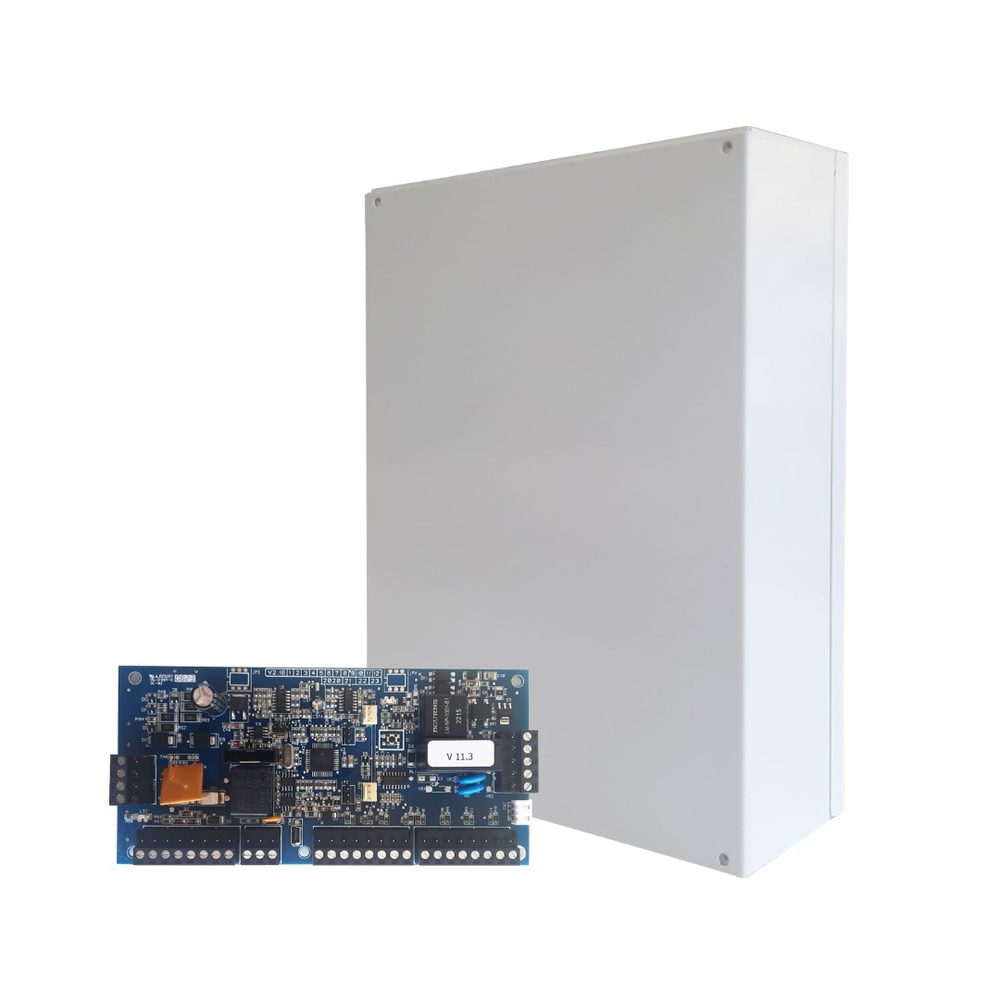
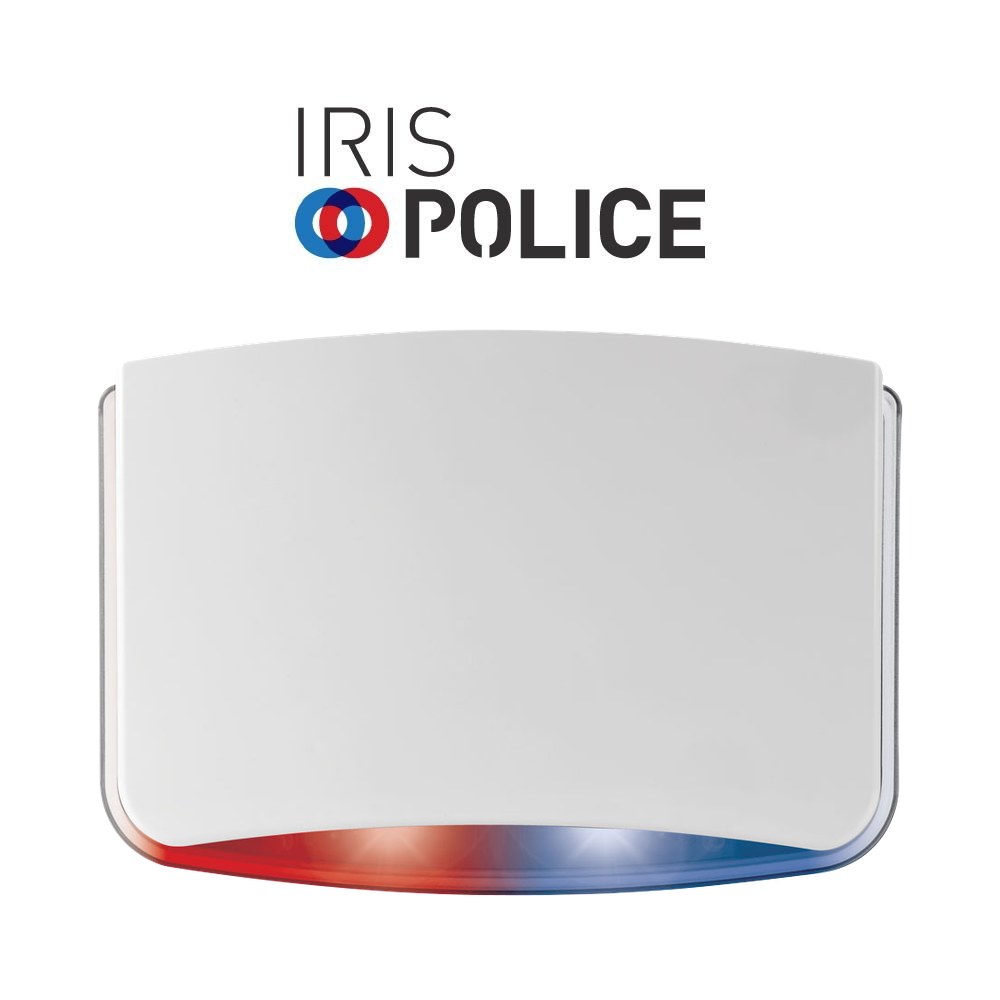
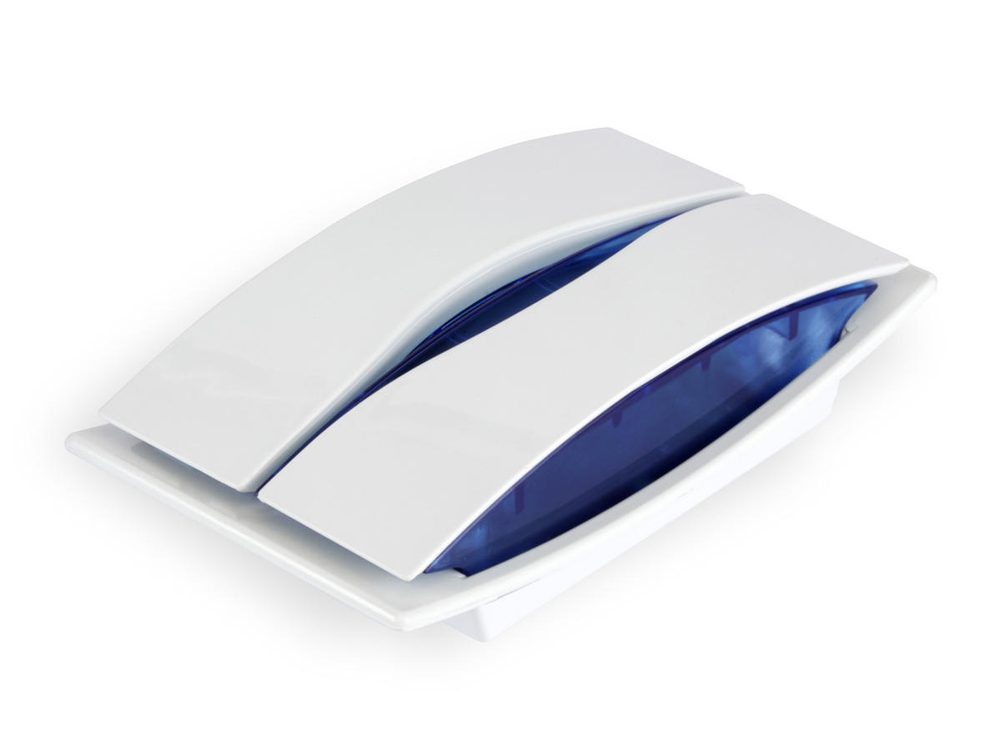
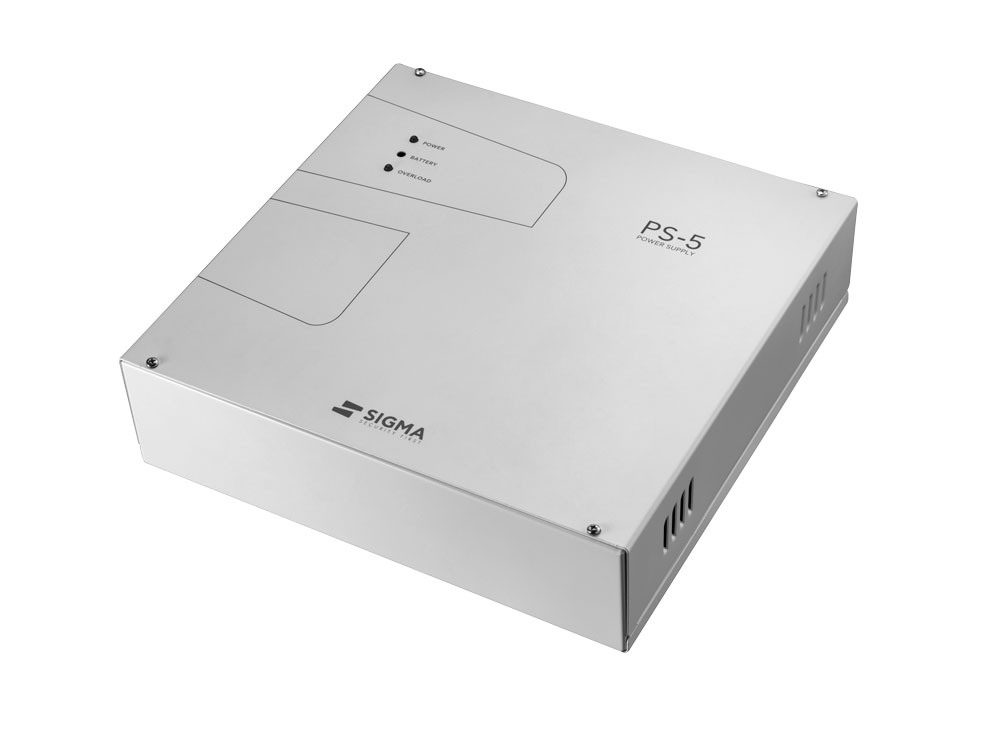
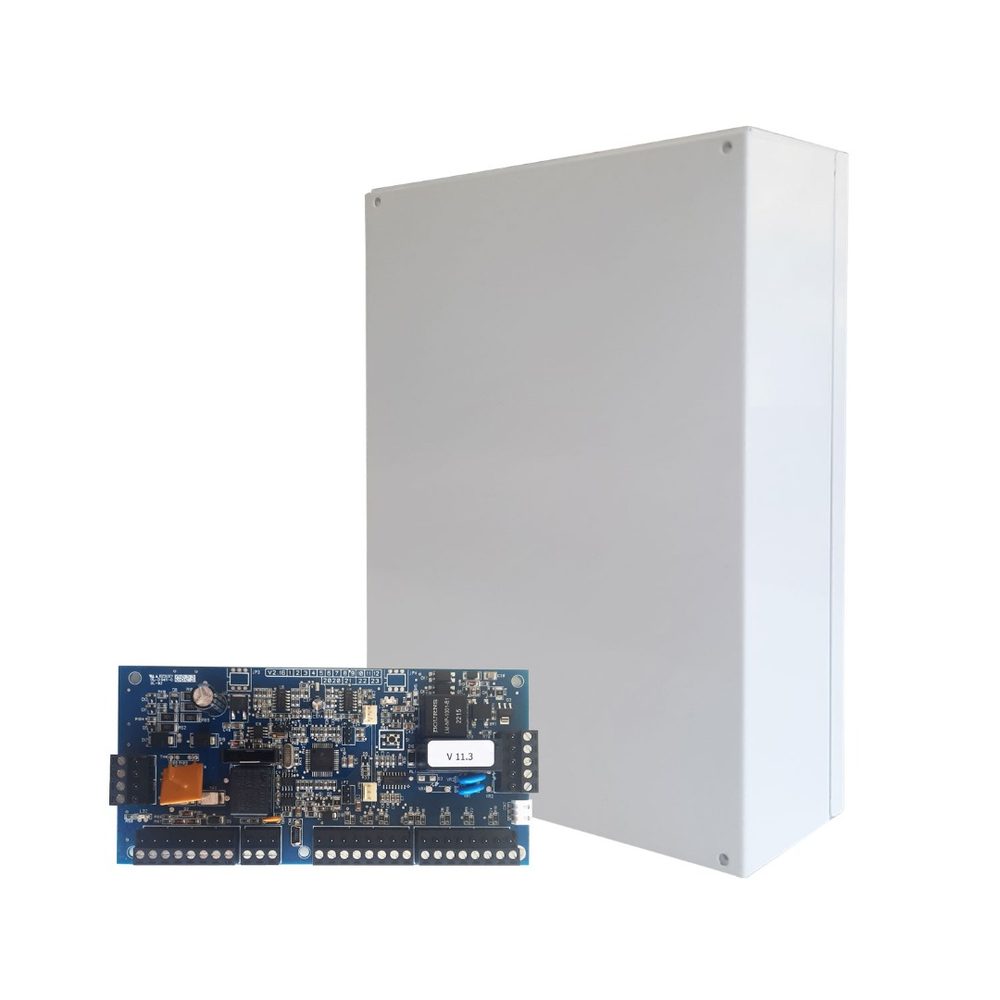
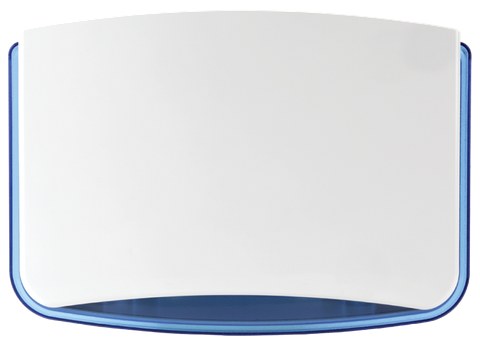
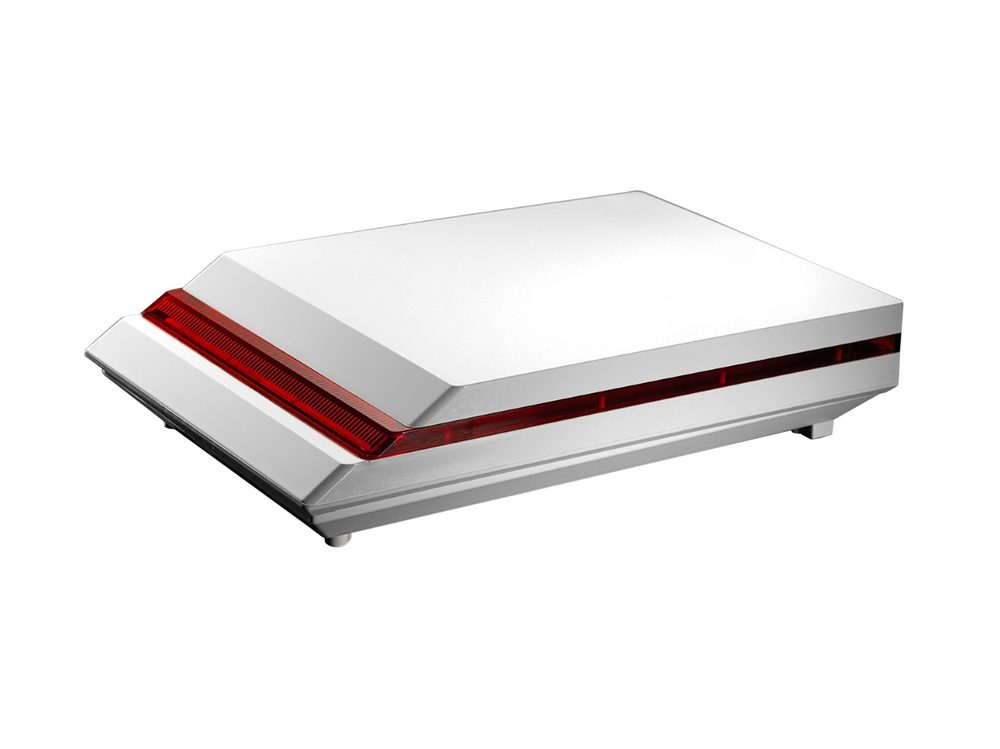
The control panel keeps running on its battery, and IRIS and DIONE sirens have their own battery. The trouble light comes on at the keypad. If the power doesn't come back for hours or the light stays on, let your installer know.
From your phone
If your system has IXION IP, you arm, disarm and get notifications on your phone with the free S Mobile Cloud app.