

Technical questions
The questions installers ask most often about Sigma systems. For anything you can't find here, call technical support.
Software and manuals
Where can I find the product manuals?
On each product's page, in the “Downloads” section. They are also all together, by product family, in the Documentation section of the professionals' page.
Do I need an account to open SLOAD?
No. The first time you open the program, press the blue arrow to continue, without a username or password.
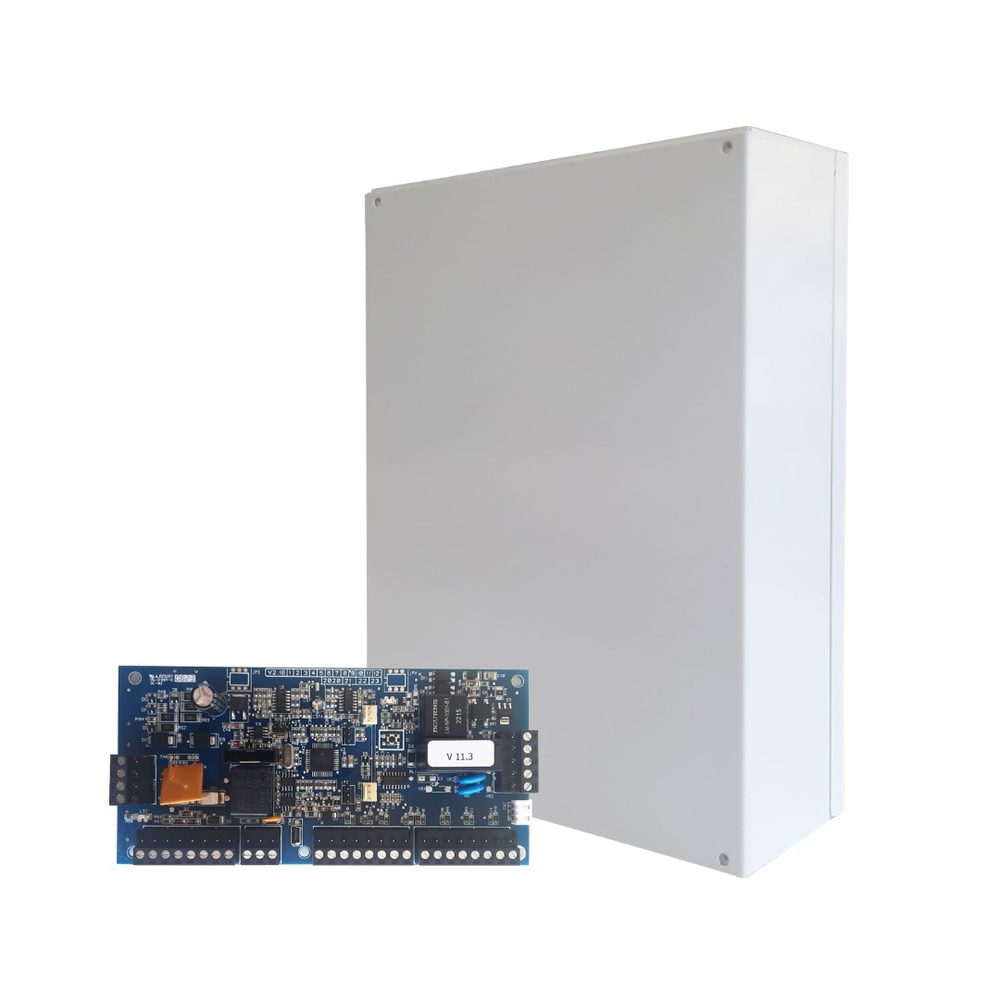
S PRO and AEOLUS control panels
What are the main differences between the AEOLUS 32 and the S PRO 32?
- Zones: 32 on both.
- Partitions: 2 on the AEOLUS, 4 on the S PRO.
- Exit delays: 2 on the AEOLUS, 4 on the S PRO.
- Wireless: with the HXP-48 receiver on the AEOLUS, with the SXP-48 on the S PRO.
- All Day Secure: S PRO only.
Both have 16 entry delays, expandable to 32. If you need more than 2 partitions or All Day Secure, choose the S PRO.
Does the AEOLUS have the All Day Secure function?
No. All Day Secure is only available on S PRO series control panels.
How do I program a zone as 24-hour on the S PRO?
- INSTALLER PROGRAMMING, ENTER, installer code, ENTER.
- ZONE PROGRAMMING, ENTER, ZONE PARAMETERS, ENTER.
- At SELECT ZONE: 01 enter the zone number, ENTER, and choose a description, ENTER.
- In ZONE TYPE choose with the arrows: type 5, 24-hour silent (mainly for panic buttons; it only notifies the Alarm Receiving Centre and the phone numbers), or type 6, 24-hour with siren. Press ENTER.
24-hour zones are always active, whether the system is armed or not.
How do I permanently take a zone out of service on the S PRO?
- Installer programming, ZONE PROGRAMMING, ZONE PARAMETERS.
- Use the arrow to go to ZONE ISOLATION and ENTER.
- Enter the zone number, e.g. 0 2.
- Use the arrow to select OUT OF SERVICE and ENTER.
Isolated zones do not need an end-of-line resistor. To bypass a zone for a single arming only, use BYPASS.
How do I run a walk test on the S PRO?
INSTALLATION TEST, ENTER, installer code, ENTER, WALK TEST, ENTER. For 15 minutes the system behaves as if armed, with the sirens isolated. Test signals are sent to the Alarm Receiving Centre, so let them know before you start.
How do I carry out maintenance without the siren going off? (S PRO)
Entering installer programming activates the TC output for 15 minutes. While it is active, sirens with the TC input connected, such as the IRIS, do not give a tamper alarm.
- Disarm the system.
- Enter installer programming.
- Finish the job within 15 minutes. If you are going to open a self-powered siren, disconnect its battery first.
Work on the 230 V mains must only be done with the circuit isolated.
Keypads and wireless
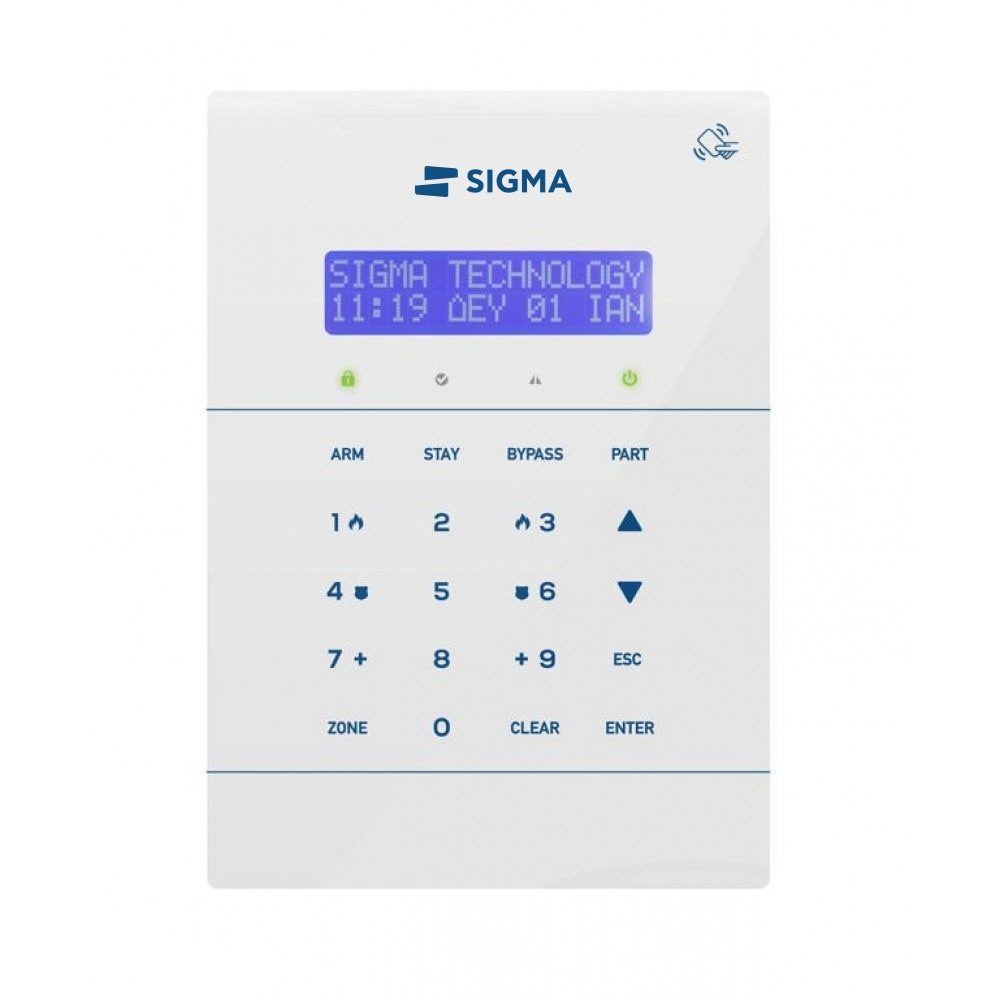
Which keypads are compatible with each control panel?
The TRITON is not compatible with the AEOLUS. See the full compatibility table.
How many keypads can I connect to the S PRO?
Up to 8. They connect to the panel's BUS and ±12 V supply, and their total consumption must not exceed 750 mA. When there is more than one, each keypad needs its own address and partition.
The keypad shows dots (.....). What should I check?
The keypad is not communicating with the control panel.
- New installation with one keypad: check the cable and the connections to the BUS and the ±12 V supply.
- New installation with several keypads: each keypad must have a different address.
- Existing installation where the problem appeared suddenly: check the keypad cable and connections.
Does the S PRO accept wireless peripherals?
Yes, with the SXP-48 wireless expander, which accepts up to 48 wireless peripherals: remote controls, magnetic contacts, motion, smoke and water detectors, and more. Each S PRO accepts one SXP-48. For better coverage, install it in a central location.
Sirens
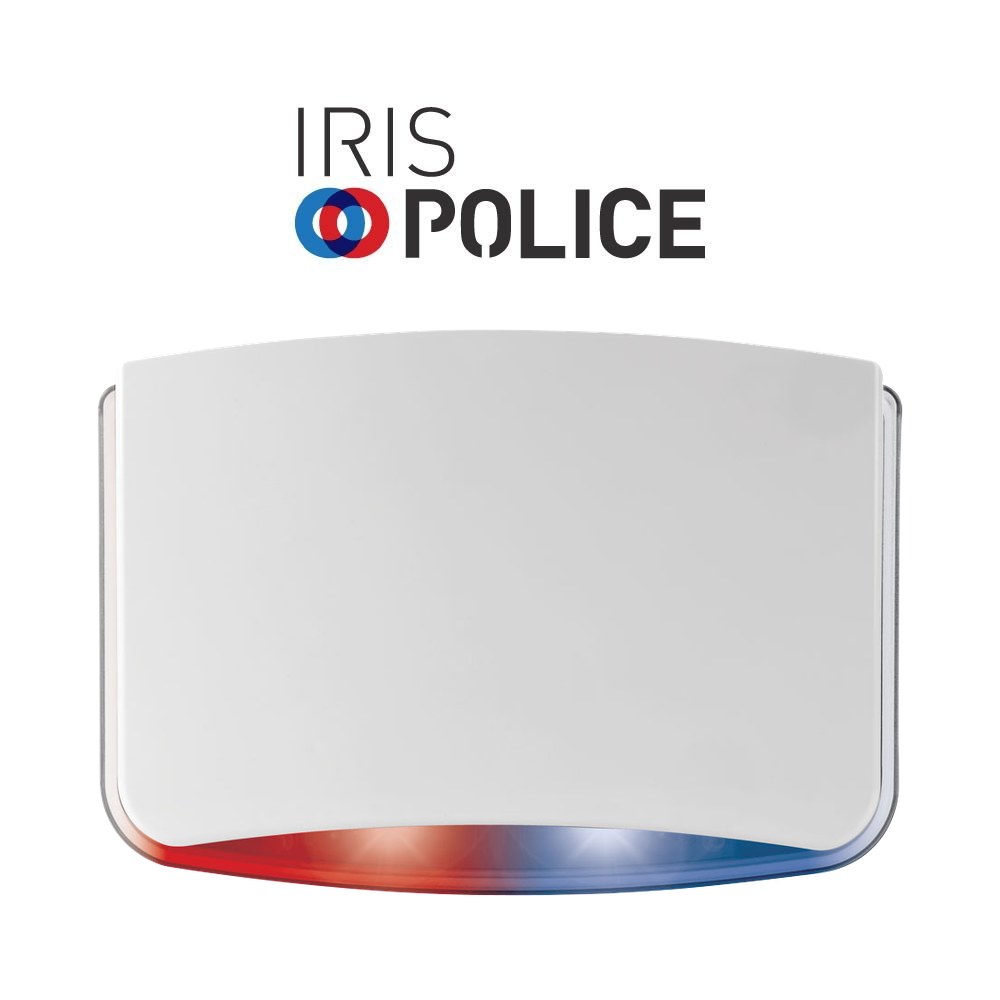
How do I connect the IRIS siren to a Sigma control panel?
- 12 V (+/−): to the panel's power output, using 0.5–0.75 mm² cable.
- IN: to the panel's SSP, with the MODE IN and +/− IN links set to “positive voltage removal” mode.
- TC (optional): to PGM 1, type 27, to cancel the tamper during servicing.
- SIGN (optional): to a type 29 PGM, to indicate arming and disarming.
- AL (optional): to a 24-hour zone, so the panel goes into alarm if the siren is tampered with.
Finally, connect the battery and close the metal inner cover and the outer cover. The available inputs depend on the model. See the installation instructions on the IRIS page.
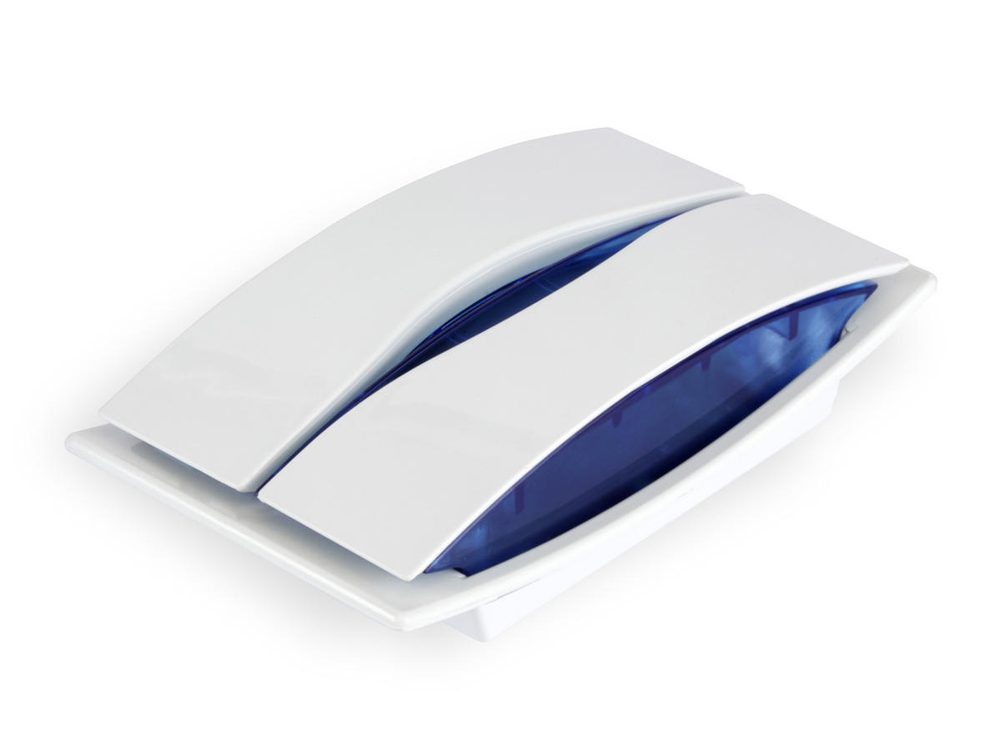
What battery do Sigma outdoor sirens take?
Rechargeable 12 V lead-acid battery, 1.3 Ah or 2.3 Ah depending on the model. It's best to have your installer replace it, so the siren's tamper is not triggered.
IXION, Cloud and communication
Which control panels is the IXION compatible with?
The IXION IP, IXION IP/C and IXION IP/G only work with S PRO and AEOLUS control panels. They are not compatible with older Sigma control panels.
What is the IXION's IP address and how do I connect from a browser?
- Current IP: from the keypad, SYSTEM CHECK, NETWORK INFO.
- Factory IP: 192.168.1.115, HTTP port 5053.
- From a browser: enter the IP and port, e.g. http://192.168.1.115:5053.
How do I reset the IXION to factory settings?
- Disconnect the IXION's 12 V power supply.
- Fit the jumper on the DEF pins.
- Power it up again. The LEDs flash in sequence: POWER, LAN and FAIL on the IXION IP and IP/C; POWER, IN USE and BUS on the IXION G and IP/G.
- Remove the jumper; the LEDs go out.
- After 1–2 seconds, fit it again (you have 20 seconds). When the LEDs flash 4 times together, the reset is complete.
- Remove the jumper and close the device.
Can I program the AEOLUS remotely via Cloud?
Yes, with SLOAD:
- In “Customer details”, fill in the panel's Cloud ID.
- In “Communication settings”, under “Connection method to panel”, select “Connect via Cloud”.
- Press “Connect”.
The panel needs an active internet connection. You'll find the Cloud ID on the keypad: SYSTEM CHECK, CLOUD INFO.
What does the WiLink do? Does it connect to Home Assistant?
WiLink sends the alarm signals to the Alarm Receiving Centre over Wi-Fi and the internet, with no subscription for the end user, and works with control panels from any manufacturer. It does not offer alarm control, per-zone notifications or a Home Assistant connection.
Looking for answers for alarm users? See the FAQ and the Using your alarm page.