
S Mobile Cloud app
Sigma's free app for controlling your alarm from your phone. For Android and iPhone.
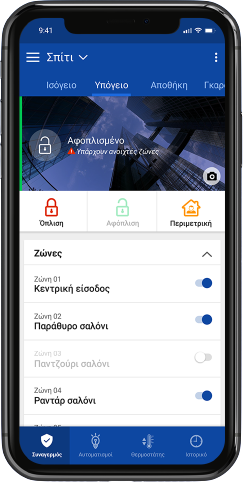
Your alarm, on your phone.
- Arming, perimeter arming and disarming with one touch
- Phone notifications for everything that happens in the system
- See which zones are open and enable or disable them
- Event log: who armed, who disarmed and when
- Home, office and holiday home in the same account
- Free, for Android and iPhone
What you need
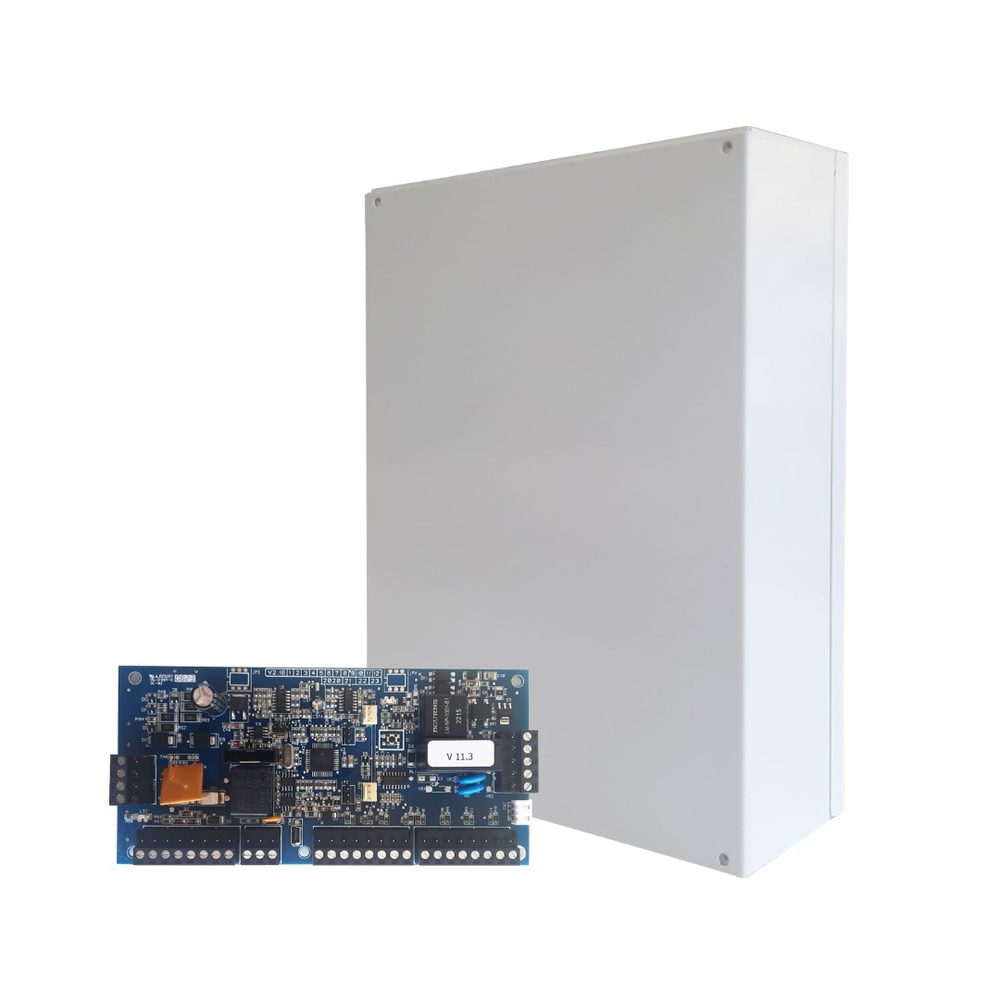
An S PRO or AEOLUS control panel and an IXION IP module connected to your home internet. Your installer enables Cloud on the IXION IP and gives you the system's Cloud ID.
How to get started
Download the app
Free, from Google Play or the App Store.
Create an account
Tap “Create account”, fill in your details and confirm your email with the code you receive.
Add your system
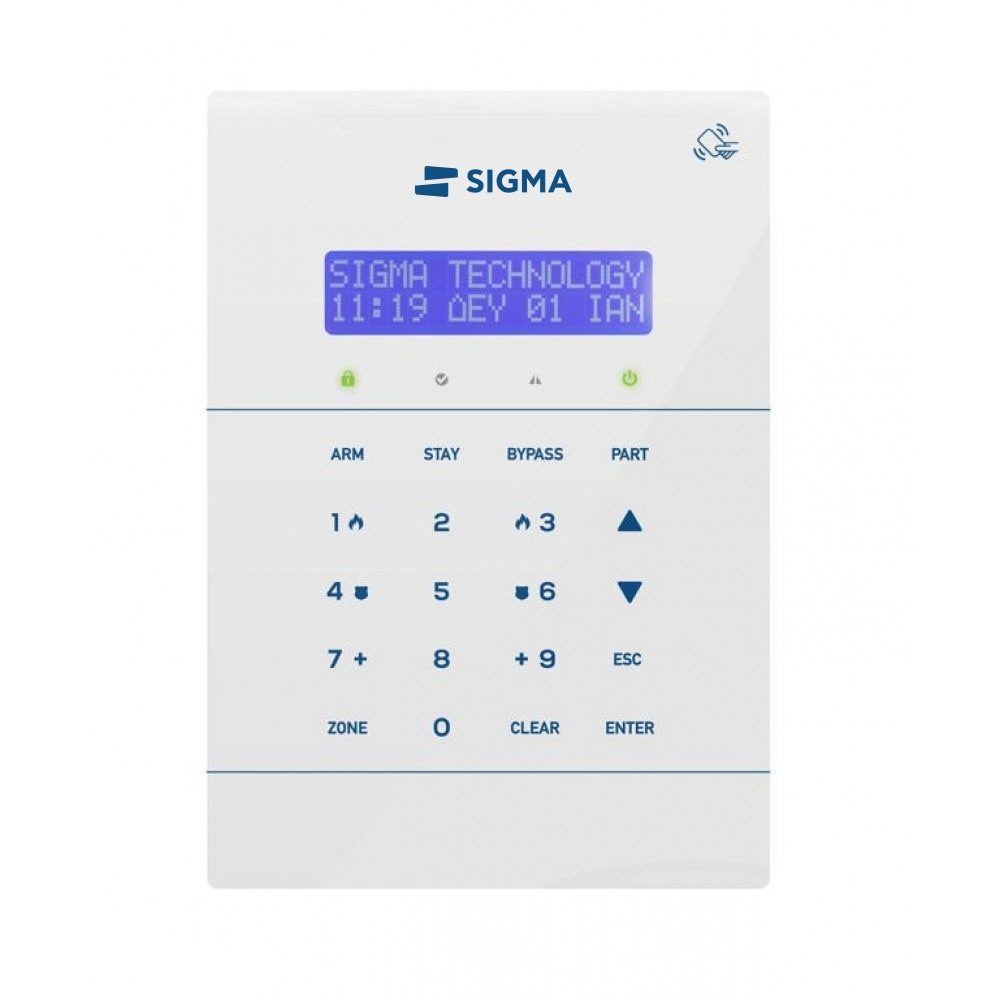
Tap “New system” and enter a name, the Cloud ID and the user code you use on the keypad.
Done
The app checks the details with the control panel and the system appears in your list.
FAQ
I'm not getting notifications on my phone
- In your phone's settings, open Apps, S Mobile Cloud, and make sure notifications are on and that the app has the permissions it asks for.
- Check that the phone has internet access, via Wi-Fi or mobile data.
- In your phone's battery settings, add the app to the ones that don't “sleep” in the background.
- Restart your phone.
If it continues, ask your installer to check that notification sending is enabled in the system.
The app says “Problem communicating with the server” or that the system is offline
- Check that your phone has internet access.
- Check that the router and power are working where the alarm is installed, e.g. after a power cut.
- If everything is working and the problem persists, contact your installer or technical support.
Where can I find the system's Cloud ID?
From the keypad: SYSTEM CHECK, CLOUD INFO, Cloud ID. You need it to connect the system to the S Mobile Cloud app.
See all frequently asked questions.
Bring Sigma to your market.
We are looking for distributors abroad for our alarm systems and Grade 3 and Grade 4 sirens, designed and made in Greece since 1977. Get in touch and let's talk about working together.