

FAQ
The questions you ask us most, in plain words. If you can't find what you're looking for, write to us.
Before you buy
What's the difference between S PRO and AEOLUS?
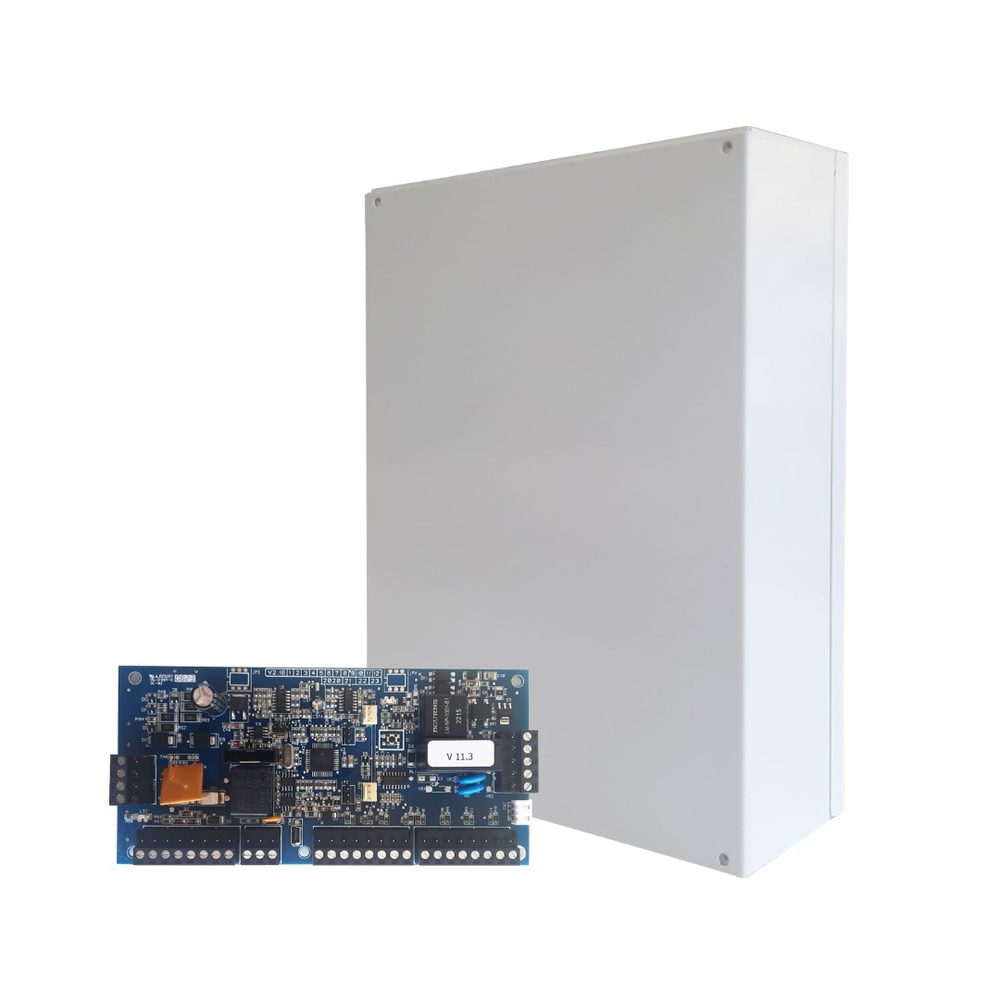
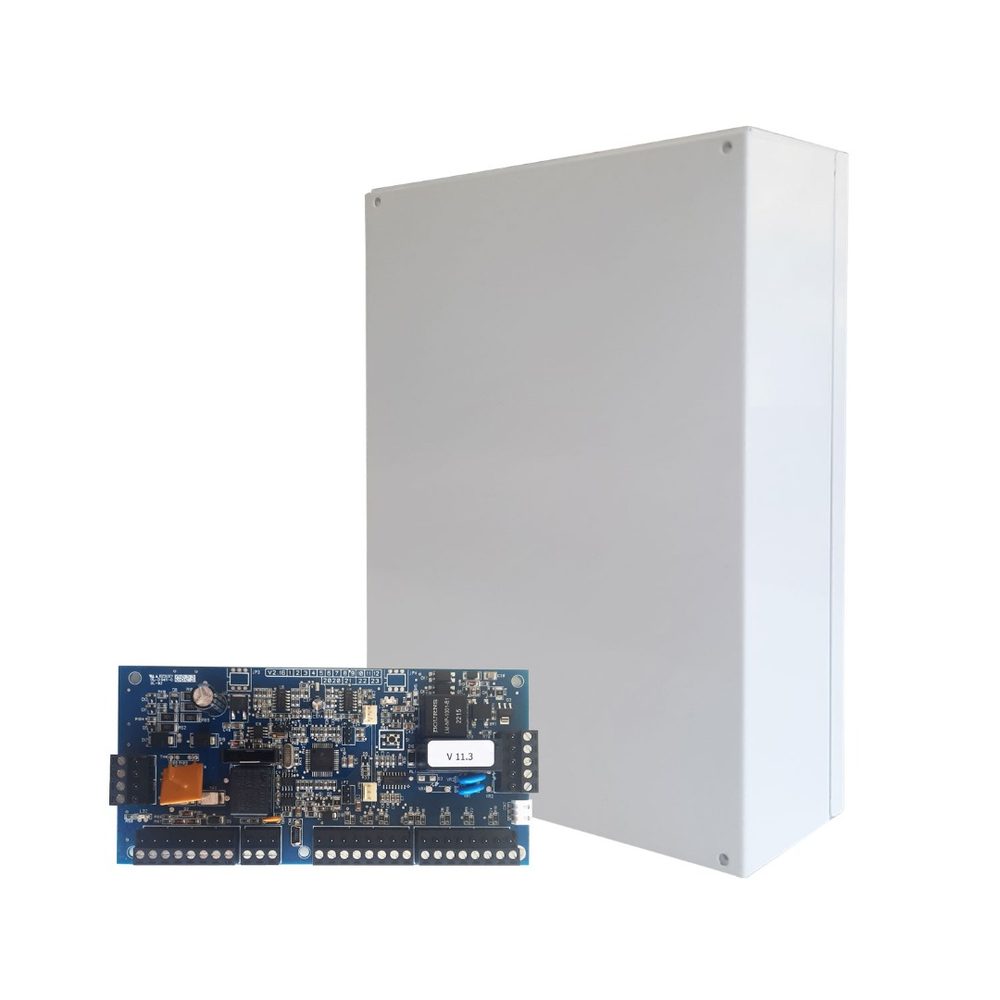
Both are hybrid control panels, meaning they accept wired and wireless detectors. AEOLUS goes up to 32 zones with 2 partitions and suits flats and detached houses. S PRO goes up to 80 zones with up to 4 partitions and two-way wireless peripherals, for larger homes and businesses. If you're not sure, the selection guide suggests a system in one minute.
Wired or wireless alarm?
You don't have to choose. Sigma control panels accept both, so your installer runs cable where it's easy and fits wireless detectors where you don't want any building work. See the article Wired or wireless alarm.
Can I control the alarm from my phone?
Yes, with the free S Mobile Cloud app for Android and iPhone. You need the IXION IP device, which connects your S PRO or AEOLUS to your home internet. From the app you arm, disarm, see which zones are open and get notifications about whatever happens.
Do I need a landline?
How much data (MB) does the alarm use per month?
- For communication with the Alarm Receiving Centre and basic notifications: about 10–50 MB a month.
- If you use the app often and get lots of notifications: up to about 500 MB a month.
For most systems with Cloud, a 500 MB monthly data plan is enough.
What do Grade 3 and Grade 4 mean?
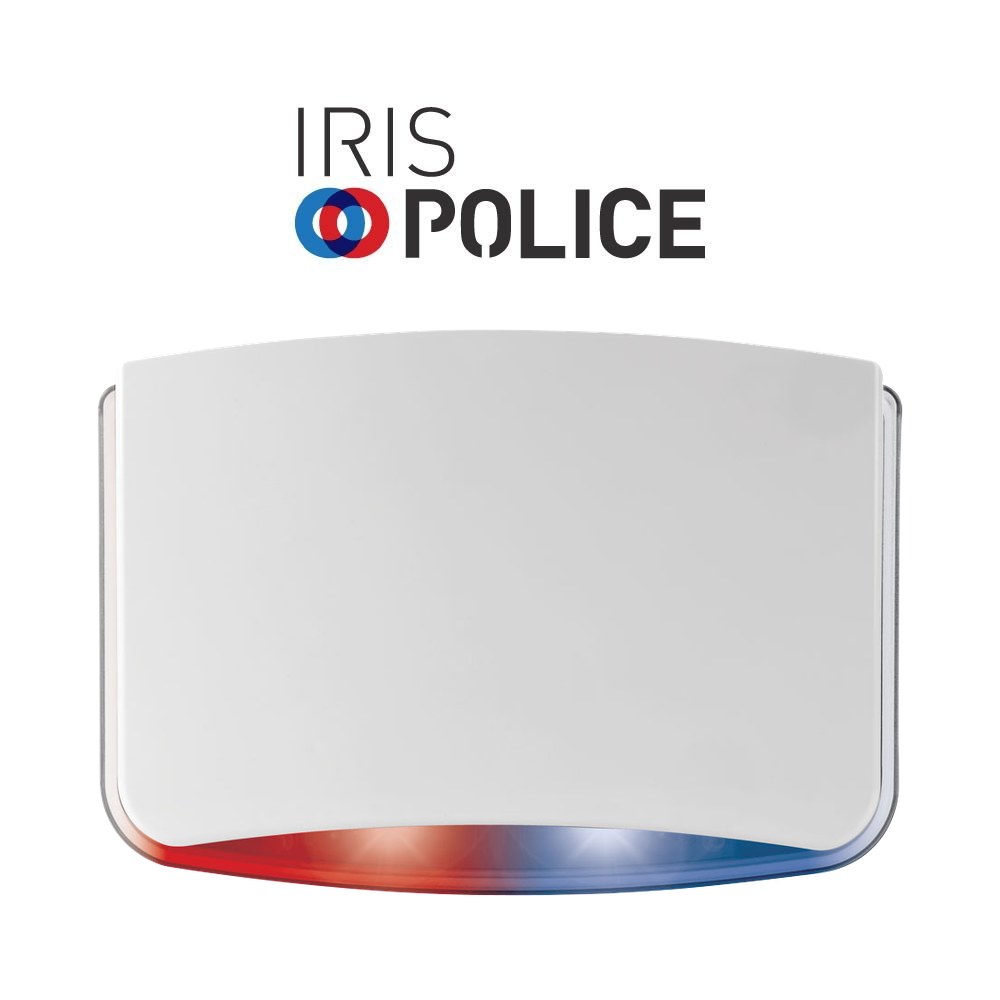
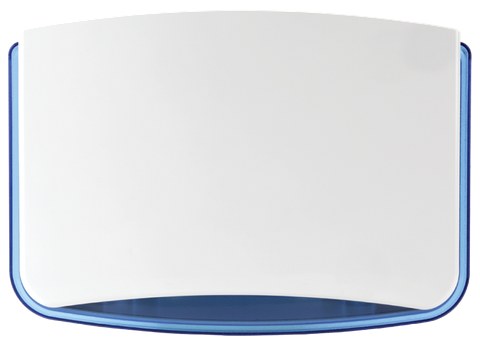
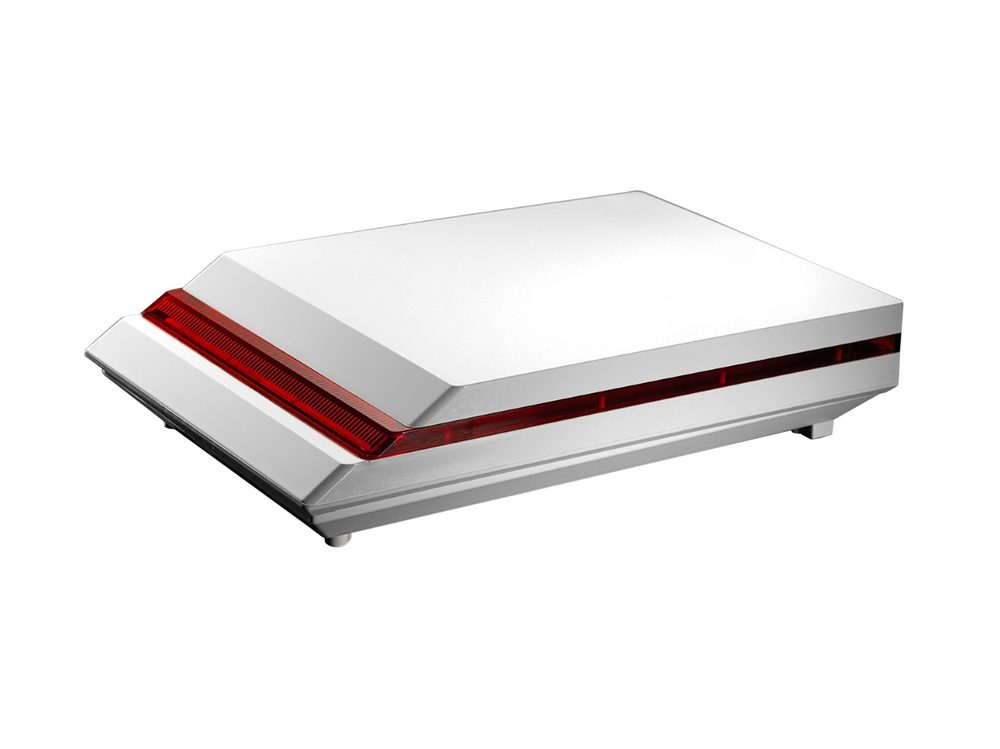
They are the security grades of the European standard EN 50131. The higher the grade, the better the device resists tampering attempts. The IRIS and DIONE sirens are Grade 3 and the IRIS FSD is Grade 4. More in the article What Grade 3 means.
I have a dog or a cat. Will the alarm go off?
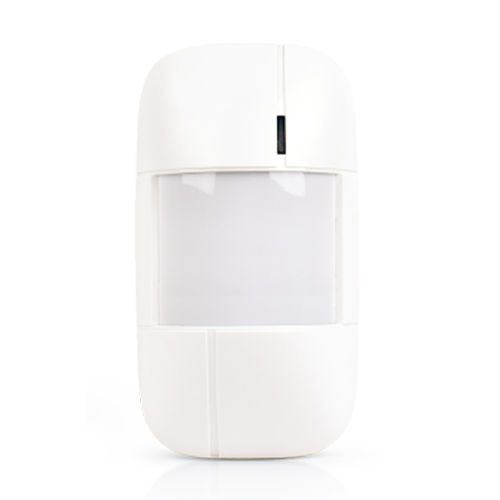
Not necessarily. There are detectors with a PET function, such as the SIR-400 PET, which does not detect small animals under 15 kg. Your installer will choose and set up the detectors to suit your pet.
Will the siren match the colour of my house?
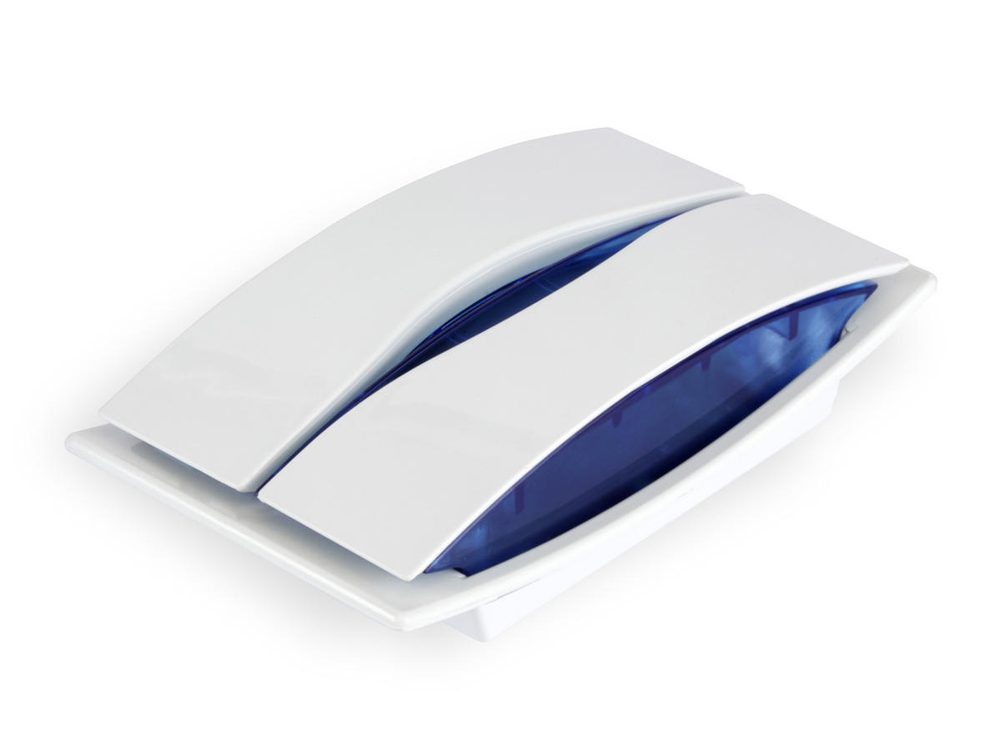
IRIS and DIONE come in many body and flash colour combinations. With the The siren on your home tool, you upload a photo of your façade and try them out.
Can the outdoor siren withstand rain?
Can I install the alarm myself?
We recommend leaving it to an installer. Detector placement, wiring and programming determine whether the system will work properly and without false alarms. Contact us and we'll help you.
What warranty do the products have?
Sigma products come with a 6-year warranty of trouble-free operation. The exception is wireless peripherals, which have a 2-year warranty.
Where can I buy Sigma products?
Through our distributors and partner installers. Contact us and we'll point you in the right direction.
Everyday use
How do I arm when I leave while someone stays inside?
Use perimeter arming with exit delay. The doors and windows are armed, while the detectors inside the house stay inactive, so whoever stays inside can move around freely.
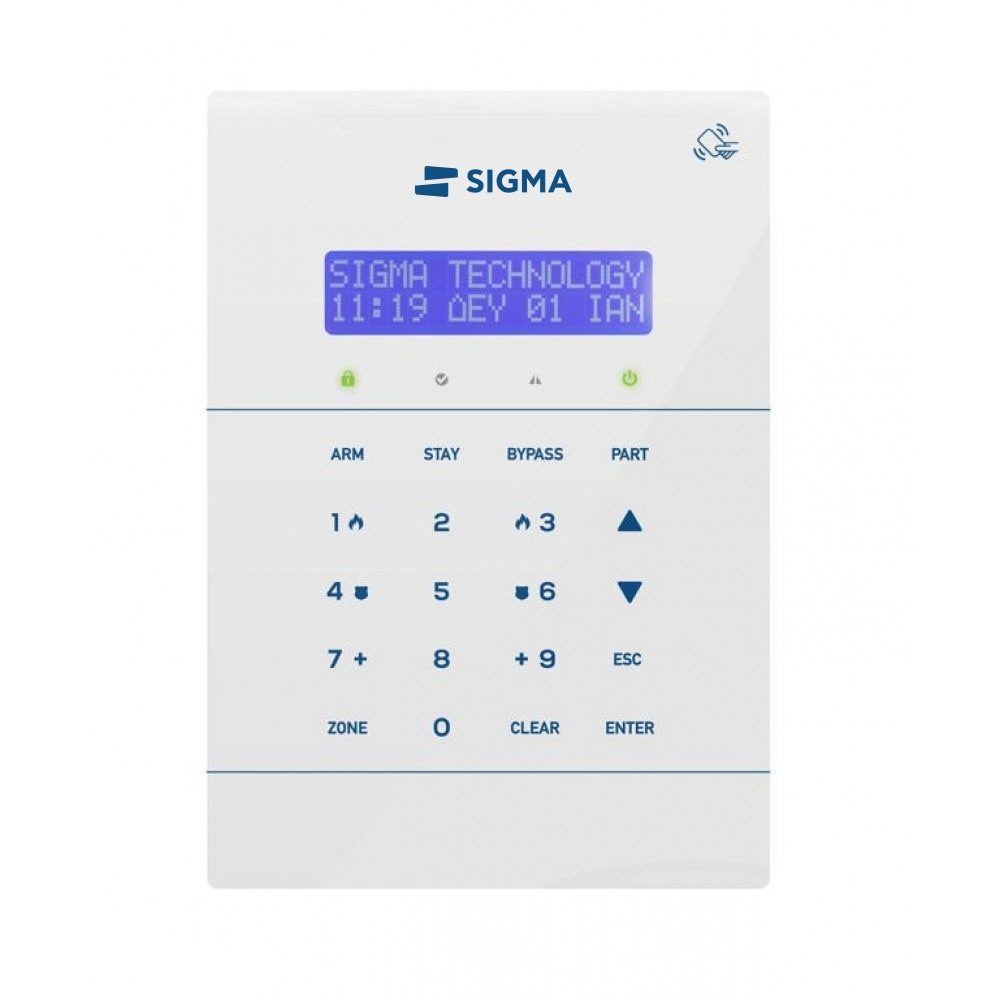
- Press STAY (or HOME) and ENTER.
- Immediately afterwards, hold down BYPASS to start the exit delay.
- Go out and close the door. The system arms as soon as the exit delay ends.
The keys differ slightly depending on the keypad. See the Using your alarm page for yours.
Can I test the alarm without the sirens going off?
Yes. With the system disarmed, briefly press ZONE. Walk past each detector and open the doors and windows one at a time: the keypad beeps and shows the zone, without the sirens sounding. To exit, press ZONE or ESC. This applies to the S PRO and AEOLUS.
How do I change or add a user code on the S PRO?
- From the home screen, use the arrow to go to USER PROGRAMMING, press ENTER, enter the master code and ENTER.
- Go to CODE PROGRAMMING and ENTER, then to CODES and ENTER.
- To change the master code (01), enter the new code, with 4, 5 or 6 digits, and ENTER. Then use keys 1–4 to choose the partitions it will control remotely and press ENTER.
- For another user (02–97), enter their number, e.g. 0 2, ENTER, then the new code and ENTER.
What happens if the power goes out?
The control panel keeps working on its battery, and the IRIS and DIONE outdoor sirens have their own battery. A trouble light comes on at the keypad until the power comes back.
When something goes wrong
The alarm is going off and won't stop. What do I do?
- Enter your code and ENTER, or hold your card or tag to the reader. The alarm disarms and the sirens stop.
- If you use a keypad from another partition, only the sirens stop and the partition stays armed.
- If the siren sounds intermittently, it's a fire alarm. First make sure there is no fire. Then cancel with your code or card and hold down CLEAR for 2 seconds to reset the smoke detectors.
- If it doesn't stop or you don't know why it went off, don't disconnect any wires or the power. Call your installer, or the Alarm Receiving Centre if you're connected to one.
You'll find detailed steps for each keypad on the Using your alarm page.
The alarm goes off for no reason. What should I check?
- See which zone triggered it: SYSTEM CHECK, ENTER, EVENT LOG, ENTER. Events are shown with date, time and zone. Use the arrow to go to older ones and ESC to exit.
- With the system disarmed, briefly press ZONE. If everything is fine, it shows “ALL ZONES CLOSED”. Otherwise it shows the first open zone.
- Check the POWER and TROUBLE indications and the battery (see the next question).
If a zone keeps going off for no reason, your installer needs to check its detector or contact. Common causes are draughts, pets, a loose contact or a worn cable. Until then, you can bypass the zone with BYPASS before arming.
What does an orange or red POWER light on the keypad mean?
- POWER green: mains power is on and the battery is OK.
- POWER orange: there is a problem with the panel's battery.
- POWER red: power cut. Red and orange together: power cut and battery problem.
- TROUBLE red: there is a problem, e.g. a power cut, low battery, blown fuse or failure to communicate with the Alarm Receiving Centre.
On the S PRO, to see the battery voltage, hold down 0 for 2 seconds on the home screen. The normal value is about 13.8 V. After a power cut, the battery usually recovers once it has charged. If the indication stays on, the battery probably needs replacing by your installer. You'll find all the indications on the Using your alarm page.
The keypad shows dots (.....) and doesn't accept key presses
The dots mean the keypad is not communicating with the control panel. It's usually the cable or a connection. Call your installer to check it.
The keypad shows “KEYPAD DISABLED”
The keypad has been locked. Press ZONE and CLEAR together until it shows “KEYPAD ENABLED”. The emergency keys work even when the keypad is locked.
I entered the wrong code several times. Why has the keypad locked?
For security reasons, after 4 wrong codes the S PRO keypad does not accept key presses for 15 seconds. If the system is connected to an Alarm Receiving Centre, a tampering attempt signal is also sent, so they may call you to confirm.
S Mobile Cloud app
I'm not getting notifications on my phone
- In your phone's settings, open Apps, S Mobile Cloud, and make sure notifications are on and that the app has the permissions it asks for.
- Check that the phone has internet access, via Wi-Fi or mobile data.
- In your phone's battery settings, add the app to the ones that don't “sleep” in the background.
- Restart your phone.
If it continues, ask your installer to check that notification sending is enabled in the system.
The app says “Problem communicating with the server” or that the system is offline
- Check that your phone has internet access.
- Check that the router and power are working where the alarm is installed, e.g. after a power cut.
- If everything is working and the problem persists, contact your installer or technical support.
Where can I find the system's Cloud ID?
From the keypad: SYSTEM CHECK, CLOUD INFO, Cloud ID. You need it to connect the system to the S Mobile Cloud app.
Are you an installer? See the technical questions on programming, connections and IXION.
Bring Sigma to your market.
We are looking for distributors abroad for our alarm systems and Grade 3 and Grade 4 sirens, designed and made in Greece since 1977. Get in touch and let's talk about working together.